
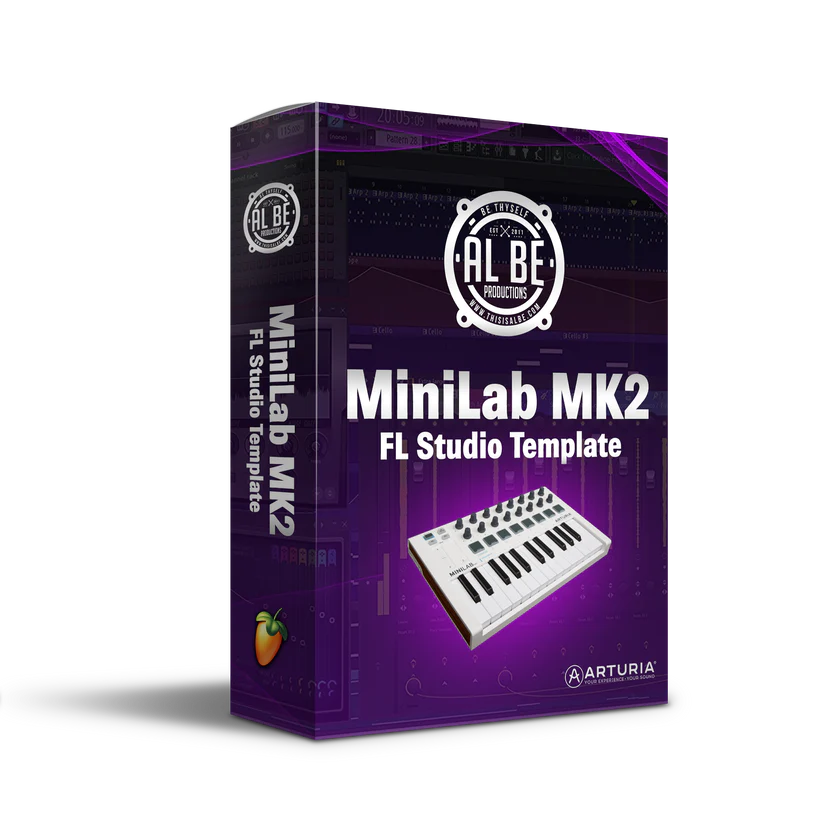
Al Be Minilab MK2 FL Studio Template
This is a custom template that will allow you to use your MiniLab MK2 with a seamless workflow in FL Studio. This will give you the full functionality and value out of your MIDI controller. This is the best workflow for the MiniLab MK2.
It will allow you to get the vibes going fast. With this method you don’t have to use the FPC, and you can have your MIDI data separate from the jump. Making it easy to arrange and mix later in the process.
Features Include:
- MPC Mode
- Use drumpads like a traditional MPC, triggering the sample for that channel.
- Pad 1 triggers channel 1
- Pad 2 triggers channel 2
- Use the pads to trigger drums, FX, sample chops, and more
Transport Mode
All of the playback controls you need to loop record.
- Pad 1 – Play/Pause
- Pad 2 – Stop
- Pad 3 – Record (Enable/Disable)
- Pad 4 – Rewind
- Pad 5 – Fast Forward
- Pad 6 – Pattern/Song Mode
- Pad 7 – Channel Up
- Pad 8 – Channel Down
Channel Mode
Each pad will select the corresponding channel in the FL Studio channel rack.
- Pad 1 – Selects Channel 1
- Pad 2 – Selects Channel 2
- Pad N – Selects Channel N
- Pad 16 – Selects Channel 16