
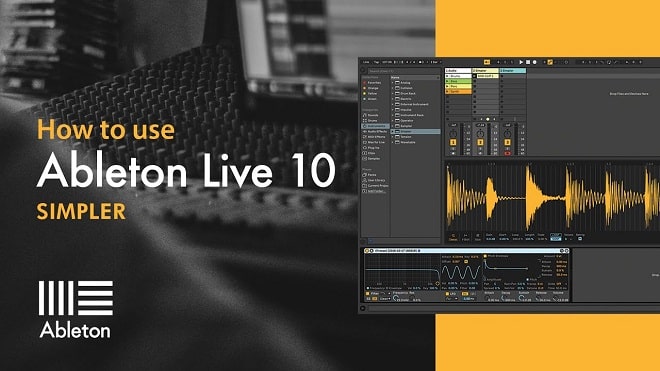
Sonic Academy Ableton Live 10 Simpler with P-LASK TUTORIAL
Ableton guru and certified trainer P-LASK is back with us once again this week and this time he’s taking an in-depth look at how to use the super useful ‘Simpler’ plugin that’s included with all versions of Ableton Live.
Even though it’s called ‘Simpler’ there’s a lot to get out of this sampler, from dragging in one-shots and manipulating them to slicing up drum loops to create entirely new beats.
P-LASK’s easy-to-follow course will take you through all the available controls and show just how easy it is to design and craft your own unique and professional sounds from unlikely sources, all from solely using Ableton with no third-party plugins needed!
Whatever your ability this is a must for all Ableton users out there. Check it out!
Tutorials
INTRODUCTION
Tutorial 01 – Introduction and Overview
PLAYBACK MODES
Tutorial 02 – One-Shot Playback Mode
Tutorial 03 – Classic Playback Mode and Setting Root Key
WARPING AND LOOPING
Tutorial 04 – Warping Audio in Simpler
Tutorial 05 – Looping Samples and Zero Crossings
SLICE MODE
Tutorial 06 – Slice Mode – Setting Slice Points
Tutorial 07 – Slice Mode – Playback Settings
SOUND DESIGN
Tutorial 08 – Sound Design – Bass Sound
Tutorial 09 – Sound Design – Lead Sound
Tutorial 10 – Sound Design – Pad Sound
Tutorial 11 – Sound Design – FX Riser Sound