
Music Protest Audio Mixing for Non-Pros Using iZotope Neutron TUTORIAL
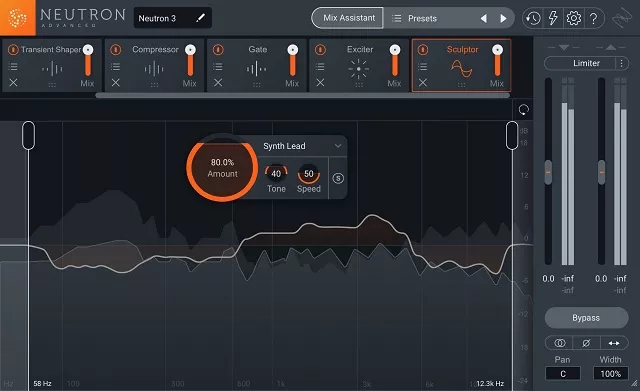
This course is ideal for anyone who needs to produce high-quality audio, but doesn’t have high-end audio engineering experience. We’ll show how iZotope’s Neutron 3 software enables you to automatically mix a complex audio track in a snap! Neutron uses machine learning to identify recordings and figure out how they should be mixed together.
In short, Neutron functions as your own personal software mixing engineer. This course will explain and demonstrate how Neutron can help you mix better music – and even learn from it and become a better engineer in the process!
Project Description
After covering the mix assistant, relay, the visual mixer and choosing a focus we need to actually complete a mix to really understand how to use Neutron properly. The goal of this course is to help you use Neutron to make better mixes and here’s a class project I’d recommend every student complete!
Contains:
- First, load up a project in your favorite DAW (Cubase, Ableton, ProTools, etc.). You can download example stems along with this course if you’d like.
- Set up Relay on each track and rename them.
- Run the Mix Assistant to create a mix (setting a focus)
- Update/modify the mix with Visual Mixer
- Export and share your mix here on Skillshare and get feedback from us 🙂
If questions come up that the course doesn’t address, please reach out to me directly or post a question on the discussion board.